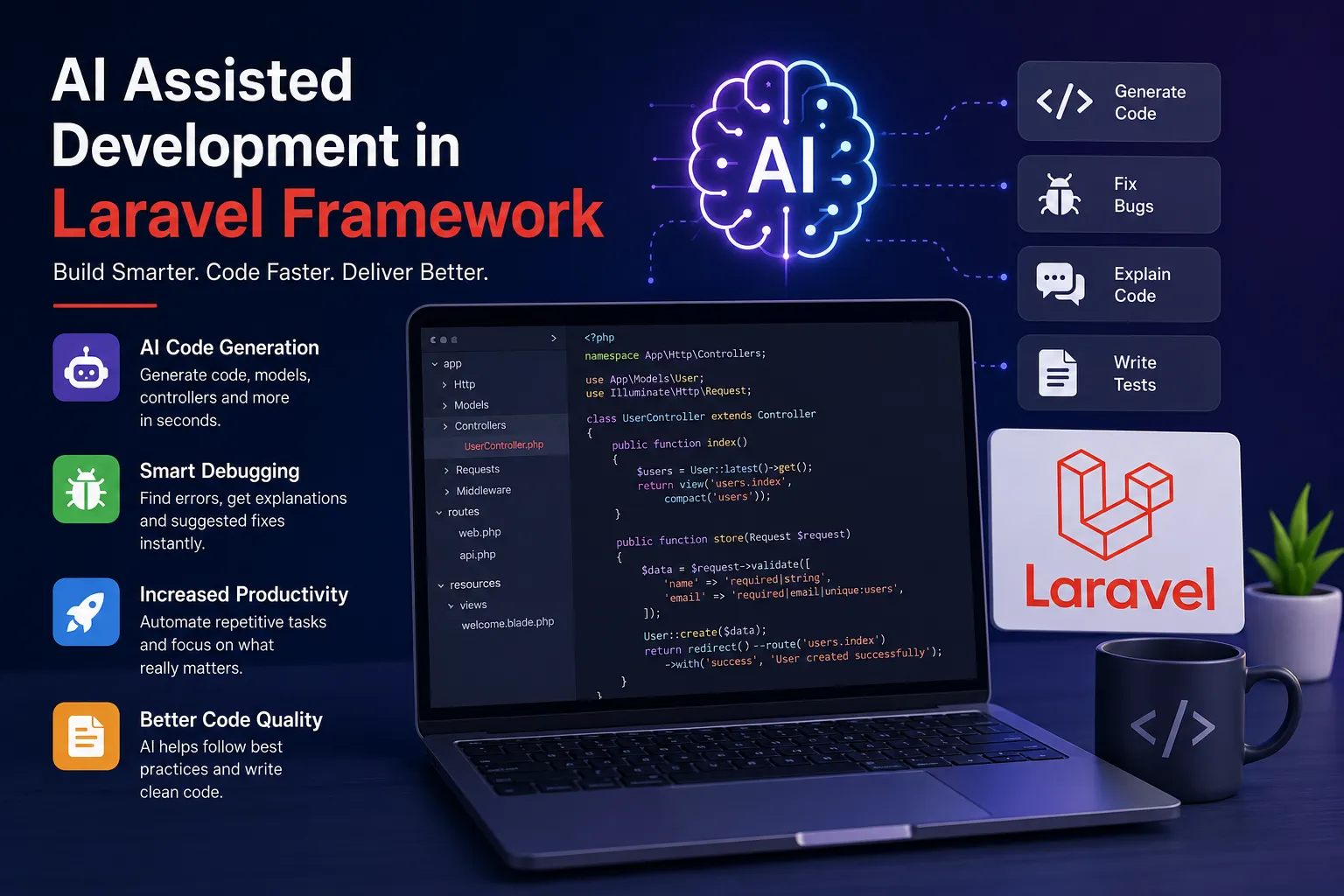
What Is AI-Assisted Laravel Development?
AI-assisted development uses language models and coding assistants to support specific software engineering tasks. In a Laravel project, these tools can help explain unfamiliar code, draft a controller, suggest validation rules, create test cases, or summarize an error. They are most useful when a developer gives clear context and reviews every proposed change.
AI should be treated as a productivity assistant, not an authority. Generated code can be incomplete, insecure, incompatible with the installed Laravel version, or inconsistent with the application's architecture. The developer remains responsible for design decisions, testing, privacy, and deployment.
Practical Ways to Use AI in a Laravel Project
Start with small, well-defined tasks. Ask an assistant to explain a route and its middleware, propose Form Request validation for a known payload, or draft feature tests for an existing endpoint. For repetitive CRUD work, provide the model fields, authorization rules, expected response format, and coding conventions before requesting a draft.
For API work, AI can help outline resource responses, request validation, pagination, and error handling. For database work, it can explain an execution plan or suggest indexes to investigate. Always verify query behavior against real data and measure performance before and after a change.
A Safer AI-Assisted Workflow
First, inspect the existing code and identify the exact outcome. Share only the minimum relevant context, with credentials, customer data, tokens, and production secrets removed. Ask for a plan before asking for a large implementation, then review the proposed files and dependencies.
Make changes in a feature branch, run the project's formatter and static analysis tools, execute relevant unit and feature tests, and inspect the final diff. Test authorization with both permitted and forbidden users. Never paste environment files or private production logs into an AI service unless your organization's approved data policy explicitly allows it.
Security and Quality Checks
Review generated code for mass-assignment risks, missing authorization, unsafe file uploads, SQL injection, exposed debug output, weak validation, and secrets committed to source control. Use Laravel's established authentication, authorization, validation, hashing, and CSRF protections rather than inventing replacements.
Do not accept a generated package or command just because it looks plausible. Check its official documentation, maintenance status, compatibility, license, and security history. Add tests for edge cases and failure paths, not only the happy path.
How to Write Better Prompts for Laravel Tasks
A useful prompt describes the Laravel and PHP versions, the relevant files, the expected behavior, constraints, and acceptance criteria. For example: “Using the existing service and Form Request patterns in this Laravel application, add validation for these fields. Do not change the database schema. Include feature tests for valid input, missing fields, and unauthorized access.”
AI can reduce repetitive effort, but reliable software still depends on sound architecture, code review, tests, monitoring, and developer judgment. Use it to accelerate careful engineering rather than to skip engineering.